PICQLY

Where Images Become Answers

PICQLY is an AI-powered visual question-answering platform that allows users to upload images or screenshots and receive fast, context-aware answers. As part of a three-person product team, I helped shape the product direction and led its brand identity and UX/UI design across its initial proof of concept and later independent product experience.

My work included positioning, messaging, identity exploration, product flows, responsive interface design, prototyping, and the development of coordinated light and dark visual systems.

My Role
Product Designer, Brand Designer, UX/UI Designer
Project Length
9 months
Responsibilities
Product Definition, Brand Strategy, Logo Design, User Flows, Information Architecture, UX/UI Design, Design System, Responsive Design, Prototyping
Team
Three-person product team; I owned brand identity and UX/UI design
Tools
Figma, Adobe Illustrator
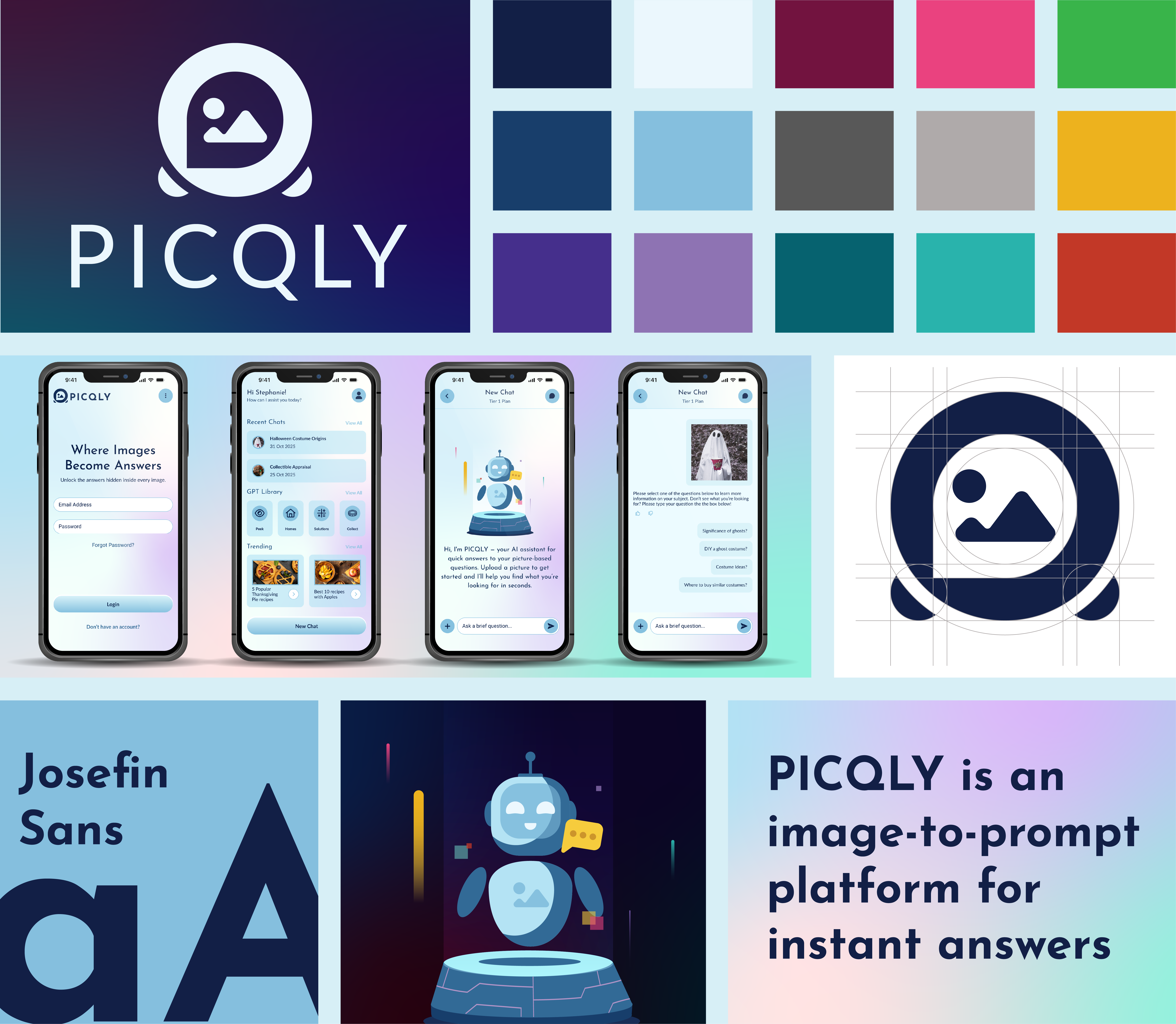
PICQLY visual identity and mobile product interface

The Challenge

When users need help understanding something in an image, traditional AI tools often require them to manually describe the visual context. This adds friction, particularly when users are unsure what details matter or how to phrase the right question.

The Solution

PICQLY makes the image the starting point. Users can upload a picture or screenshot, ask a question, and receive a context-aware answer through a guided visual experience. Previous conversations, trending topics, and specialized AI options provide additional inspiration and continuity.

Design Process

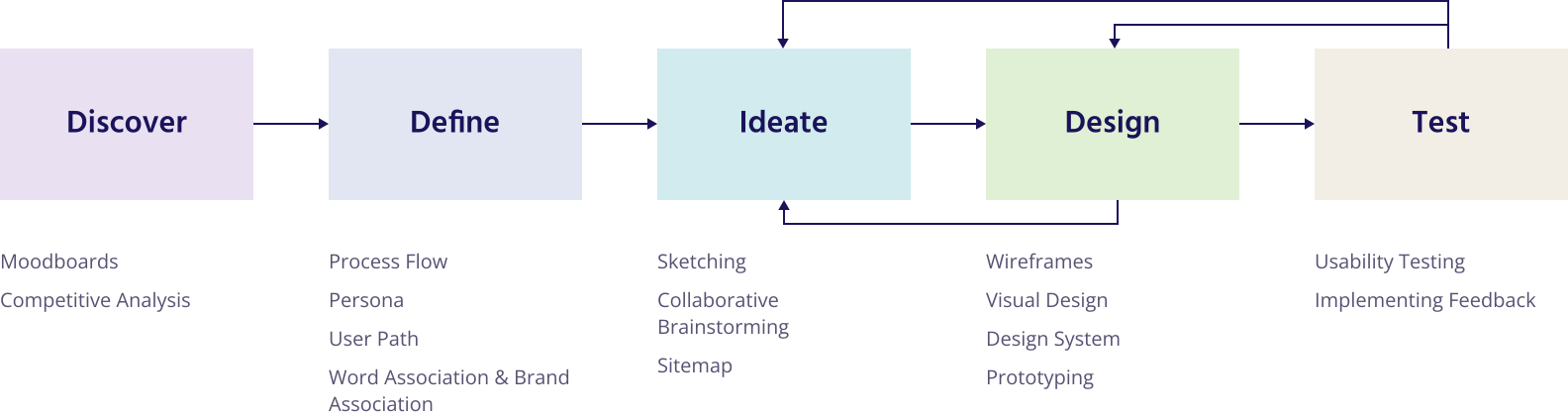
PICQLY design process from discovery through prototyping

Research & Discovery

Discovery focused on understanding how visual AI products help users move from an image to a useful answer. Competitive analysis, personas, process flows, and brand-association exercises identified opportunities to simplify image upload, guide question creation, preserve previous conversations, and support more specialized use cases.

These findings influenced features including trending topics, chat history, guided question suggestions, and configurable AI options. The resulting experience was designed to reduce the effort required to explain visual information and help users move from image to answer with greater confidence.
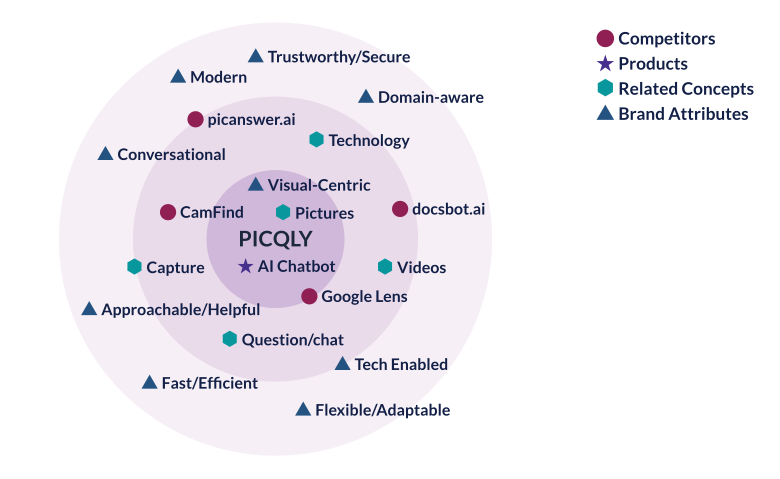
PICQLY word association and brand attribute exploration
Brand attributes informed the product's personality and visual direction.

Ideation

Sketching the Identity

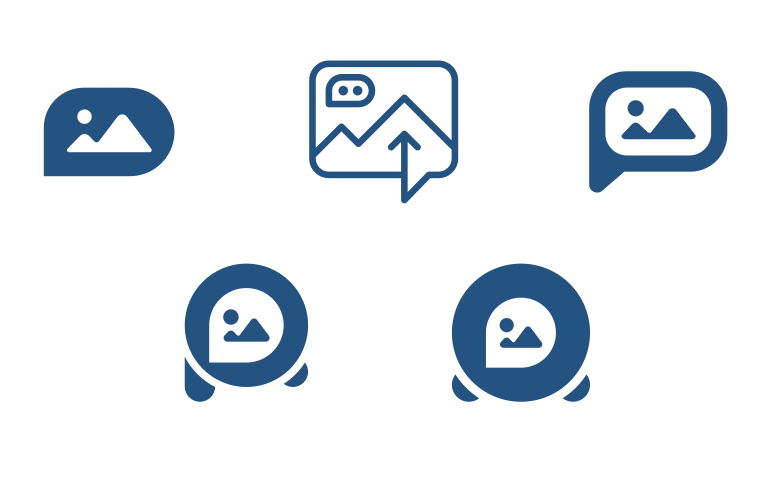
After aligning on PICQLY's core purpose and functional goals, I began sketching to explore visual directions for the brand and product identity. This phase focused on translating image-based question answering into simple, scalable forms suitable for mobile and web.

Rapid, low-fidelity sketches allowed for quick iteration across logo concepts, iconography, and interface ideas, helping refine clarity, hierarchy, and usability before moving into digital execution.

PICQLY logo sketches and concept iterations
Logo exploration connecting image and conversation cues.
Phase 1

Proof of Concept

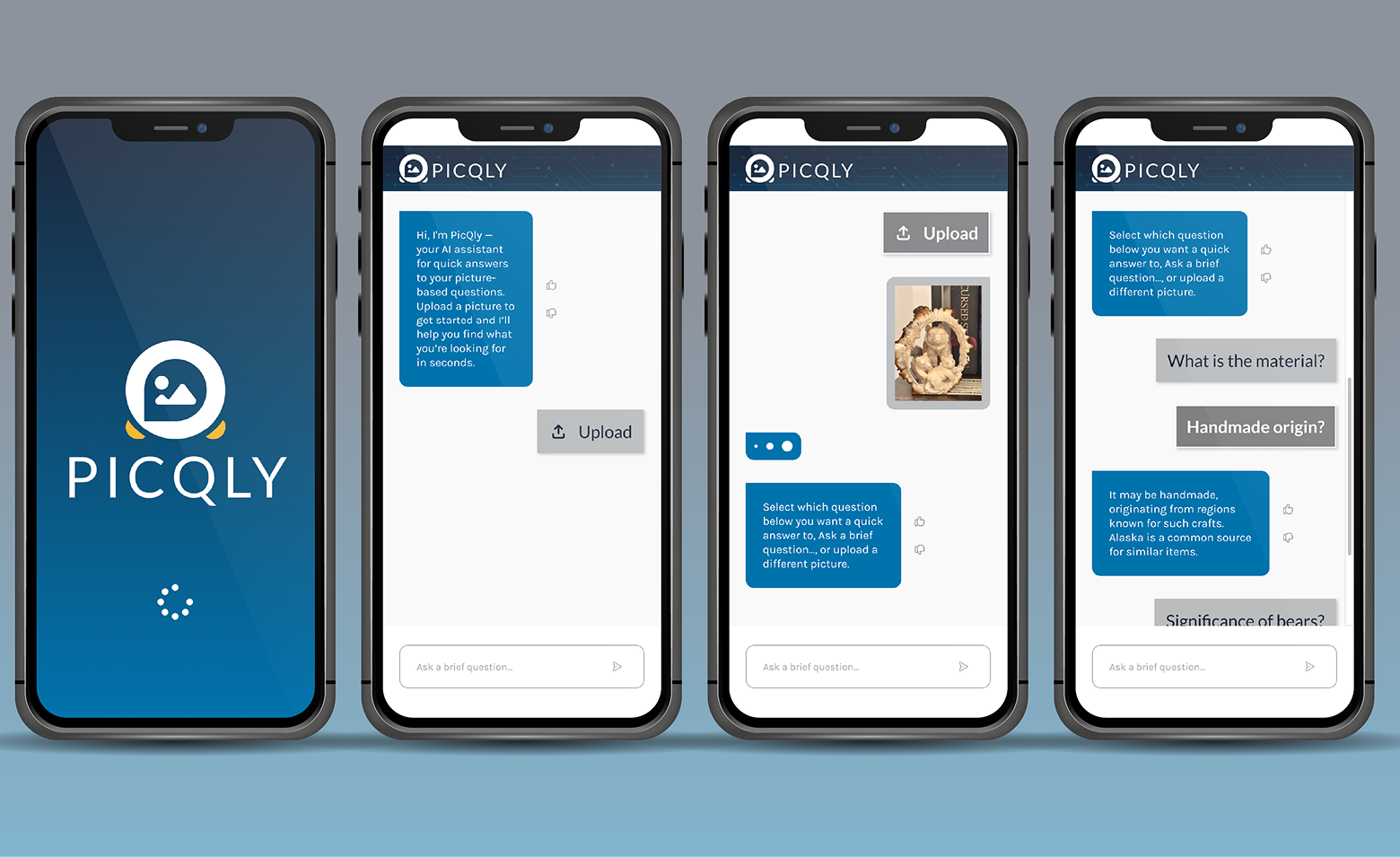
PICQLY initially began as an experimental product within Grovepath's research and development portfolio. I created the first wireframes, interface mockups, and proof of concept using Grovepath's established visual language. This initial phase validated the core interaction: upload an image, ask a question, and receive an AI-generated answer.

PICQLY Phase 1 mobile proof of concept
Initial mobile proof of concept
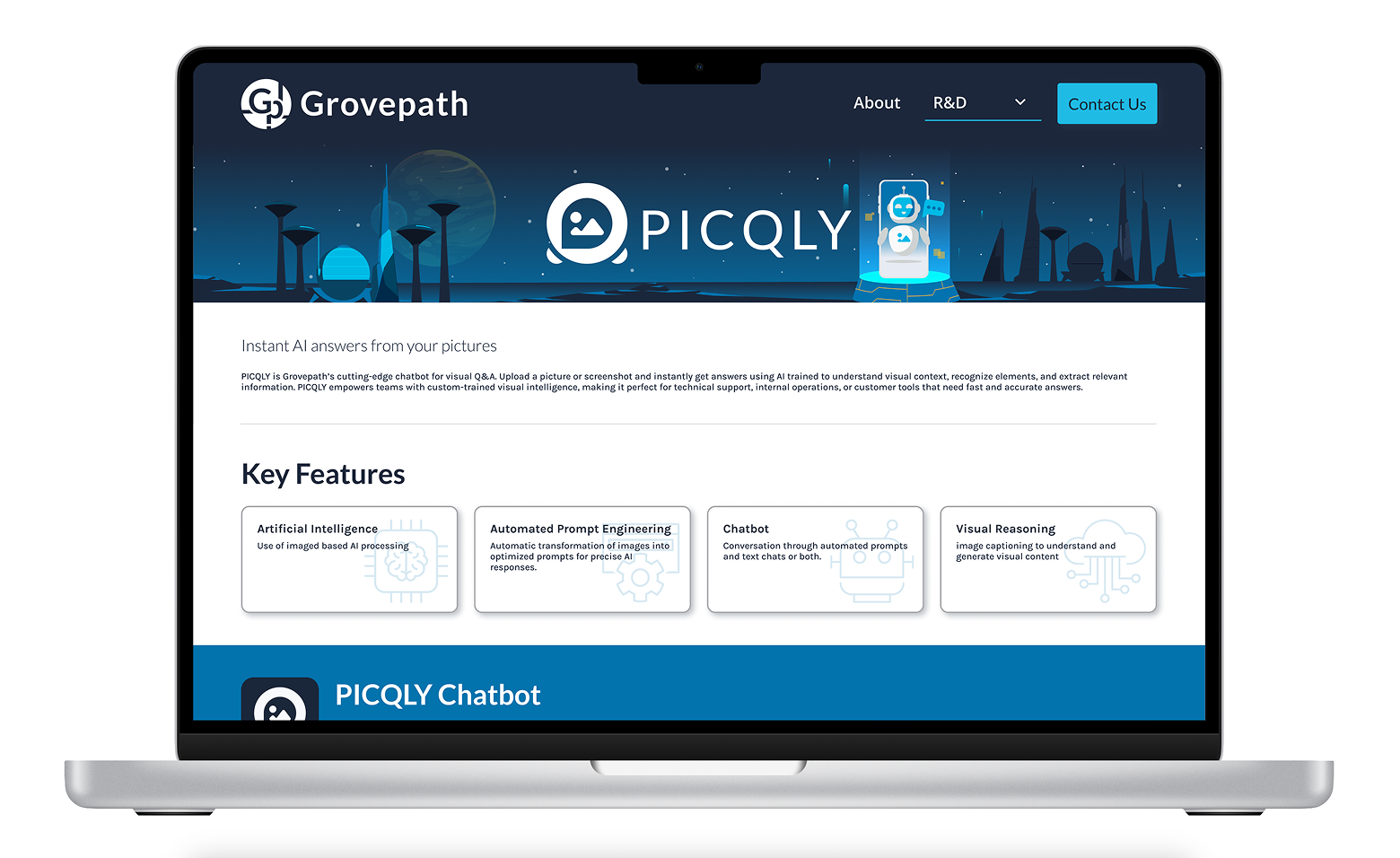
PICQLY presented within Grovepath research and development
Early product positioning within Grovepath R&D
Phase 2

Independent Product Identity

As PICQLY evolved into an independent product, it needed an identity that could stand apart from Grovepath while supporting a broader set of features. I created a new visual system built around approachability, discovery, intelligence, and speed.

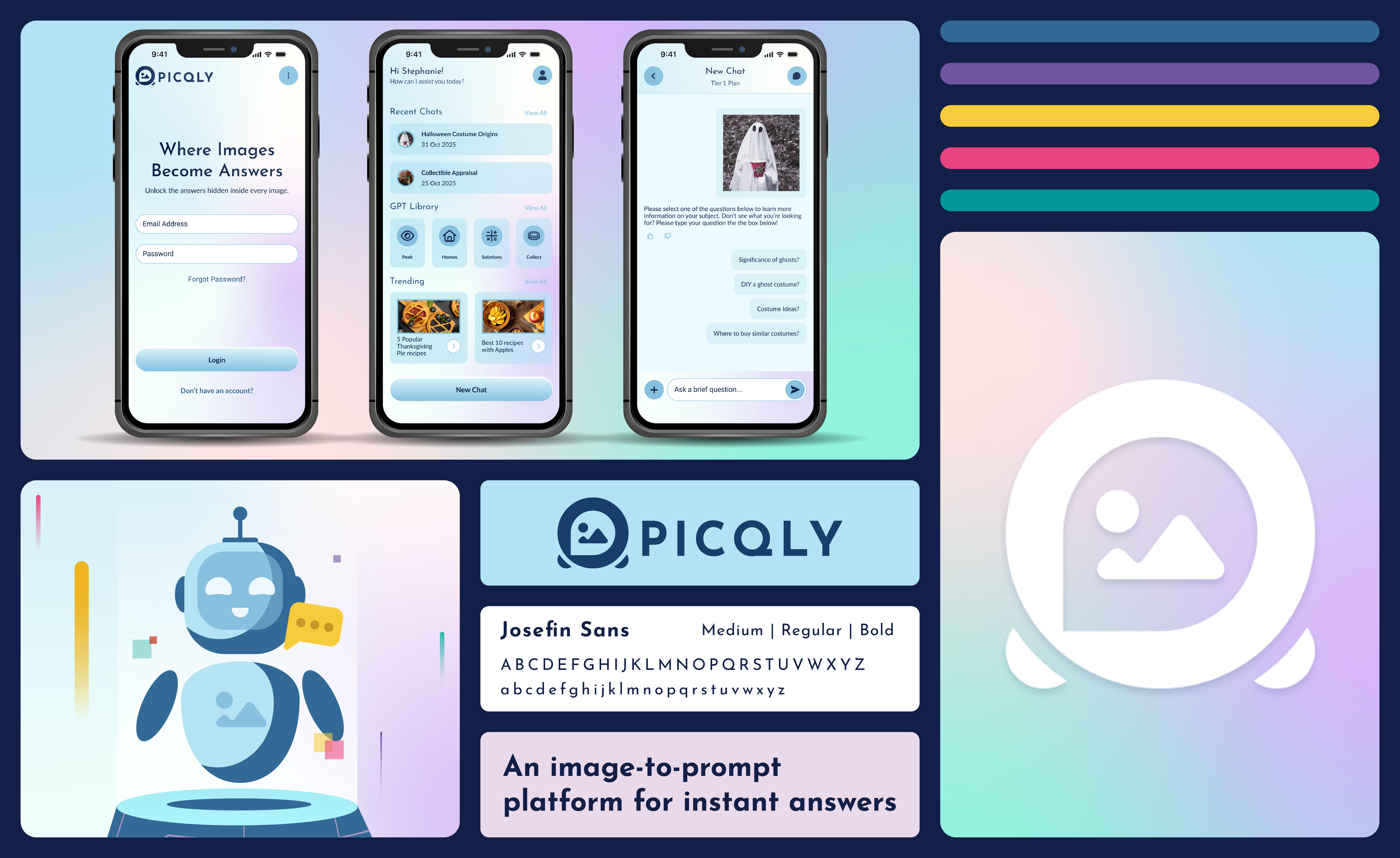
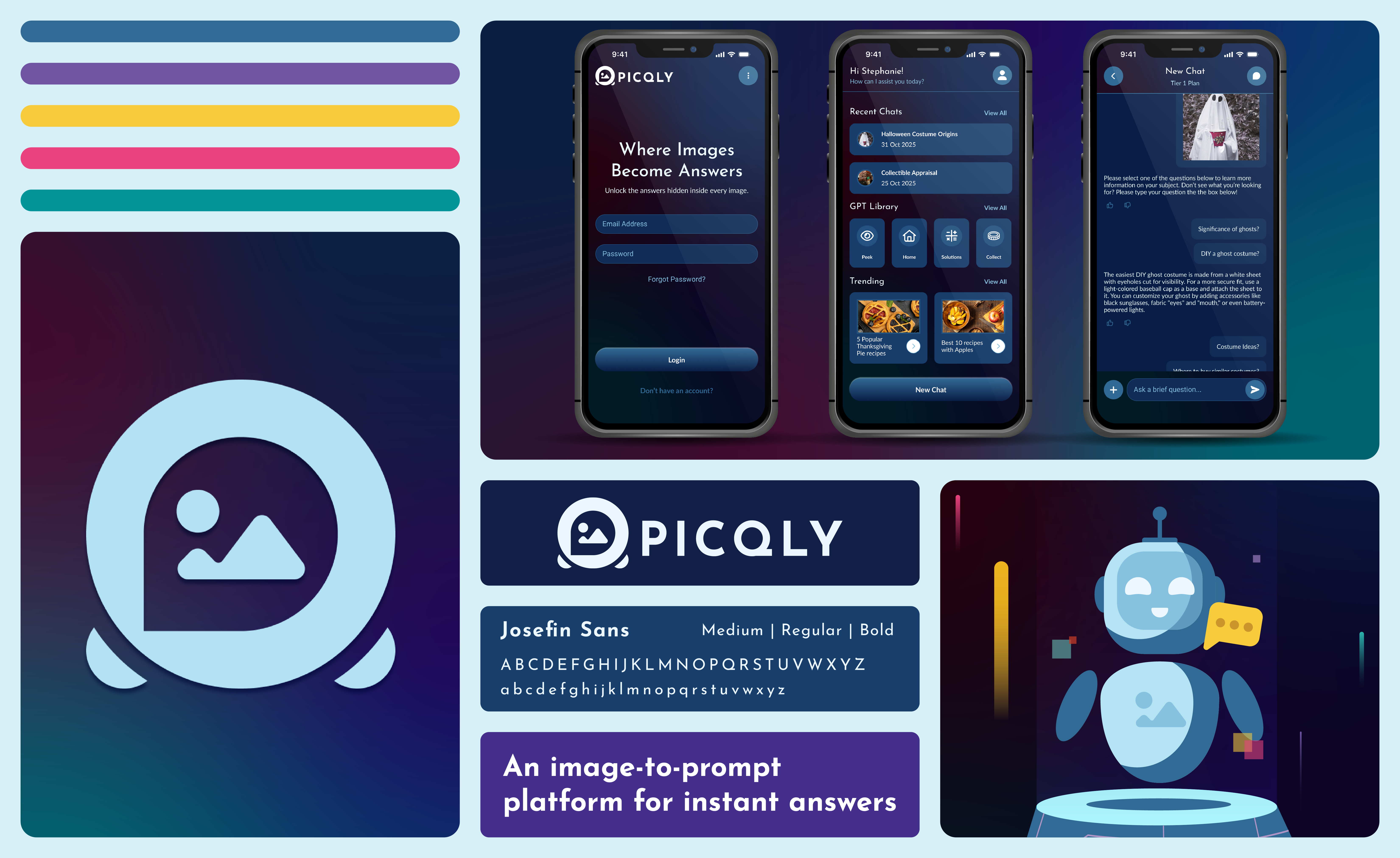
The logo combines image and conversation cues to represent visual question answering. Vibrant gradients, rounded interface elements, custom illustrations, and coordinated light and dark palettes give the product a recognizable personality while maintaining clarity across mobile and web experiences.

PICQLY light-mode brand identity
Light-mode visual system
PICQLY dark-mode brand identity
Dark-mode visual system

Designing the Product Experience

The product experience guides users from onboarding and account access to image upload, question selection, AI-generated answers, and continued discovery. The dashboard brings together recent conversations, specialized AI options, and trending content, while settings and subscription screens support personalization and account management.

PICQLY user flow from onboarding through image upload and AI-generated answers

High-Fidelity Mobile Experience

A shared component system supports both light and dark modes while maintaining consistent navigation, hierarchy, interaction patterns, and brand recognition.

PICQLY high-fidelity mobile interface screens

Interactive Light-Mode Prototype

Interactive Dark-Mode Prototype

Final Thoughts

PICQLY evolved from an early proof of concept into an independent visual AI product with its own identity and expanded experience. By connecting product thinking, brand strategy, user flows, and a coordinated interface system, I created an approachable way for users to move from visual context to useful answers across mobile and web.